

Blog
Modern Office Chairs and Workplace Comfort Systems
Most offices invest in office chairs, but very few design how those chairs actually perform within the workspace. The result is inconsistent comfort, employees feel fine for a few hours, then gradually lose focus, adjust constantly, or move away from their desks more often than necessary.
The issue is not the chair alone. It is the absence of a comfort system.
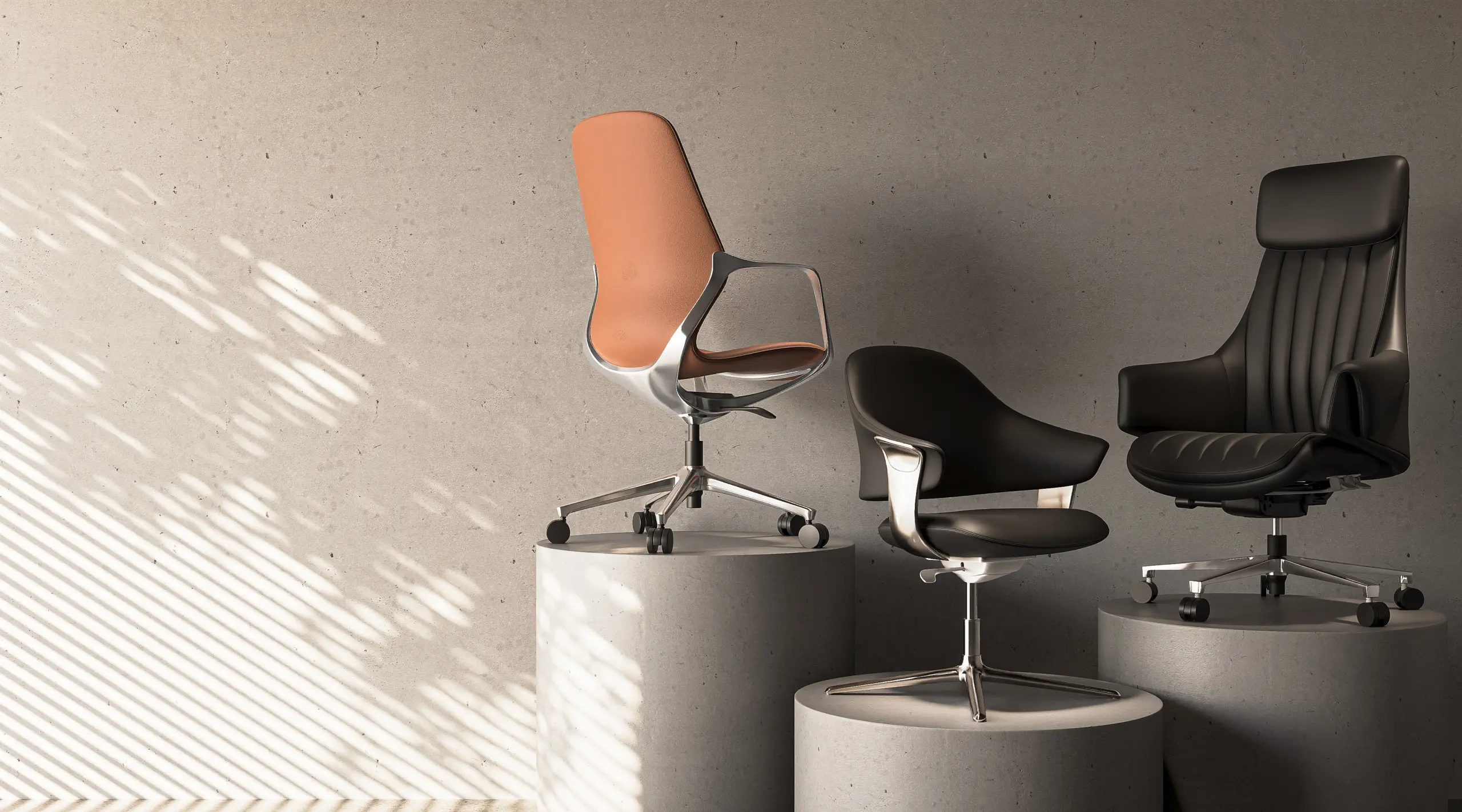
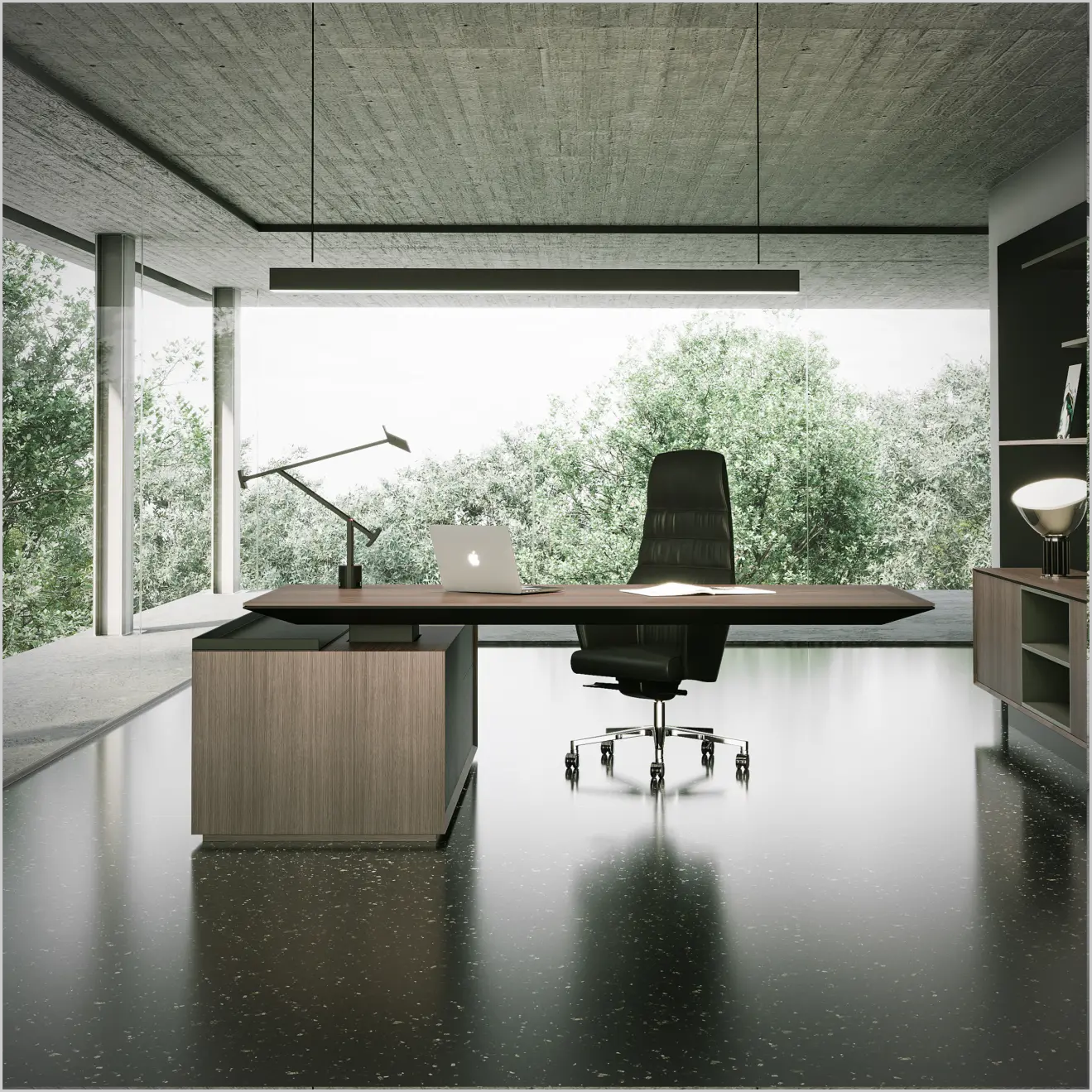
A workplace comfort system is built by aligning task chairs, executive chairs, and meeting chairs with how long people sit, how they move, and how their workstations are structured. When seating is planned this way and integrated with office workstations, height adjustable desks, and even nearby office pods comfort becomes predictable, not accidental.
This article breaks down how to actually build that system using measurable and practical factors.
Seating Duration Is the First Decision Factor
The biggest mistake in selecting office chairs is ignoring usage duration.
Every workspace has three distinct seating patterns:
- Short-use (0–2 hours): meeting rooms, visitor areas
- Mid-use (3–5 hours): shared desks, hybrid workstations
- Long-use (6–9 hours): dedicated workstation roles
Each of these requires a different seating response.
For example, in long-use scenarios:
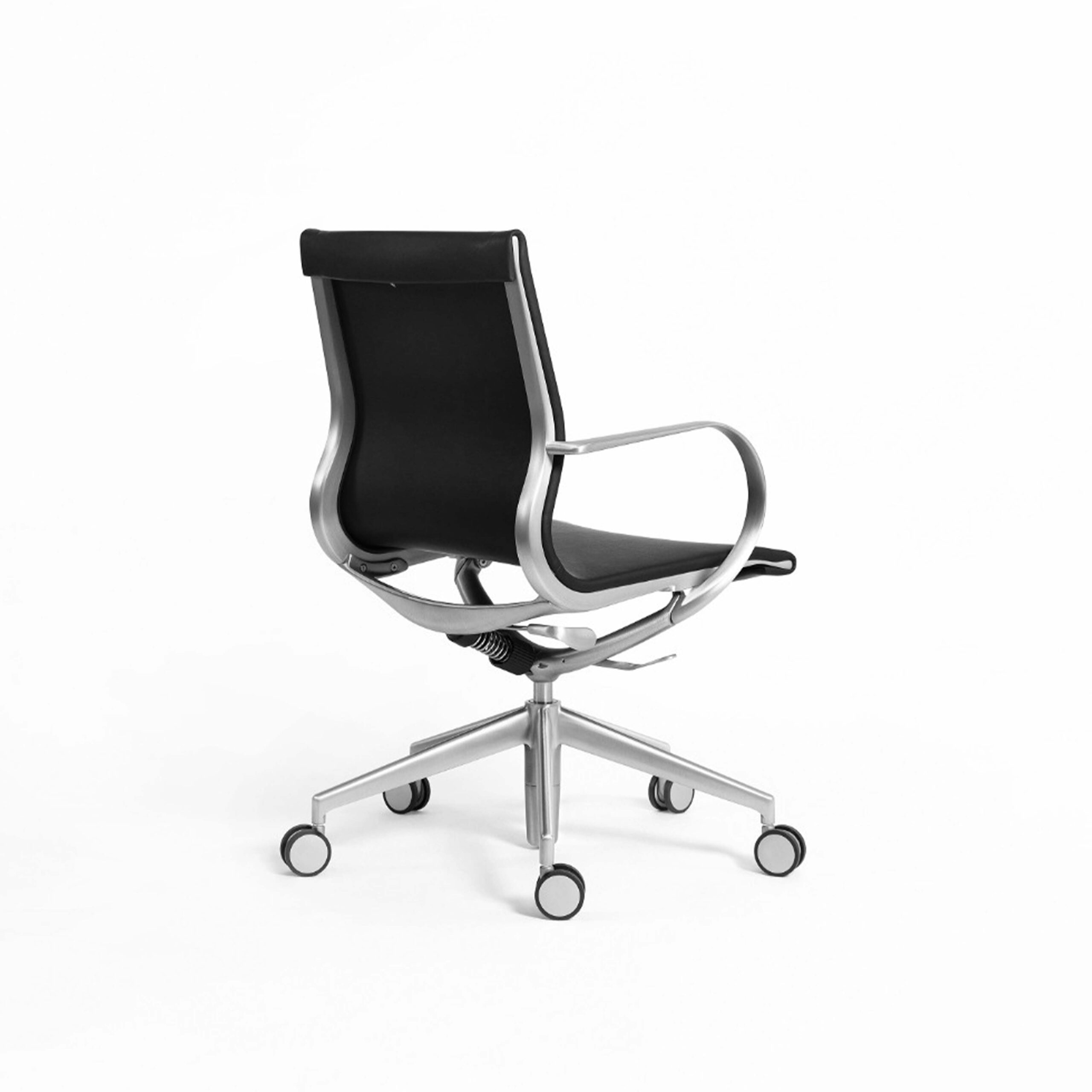
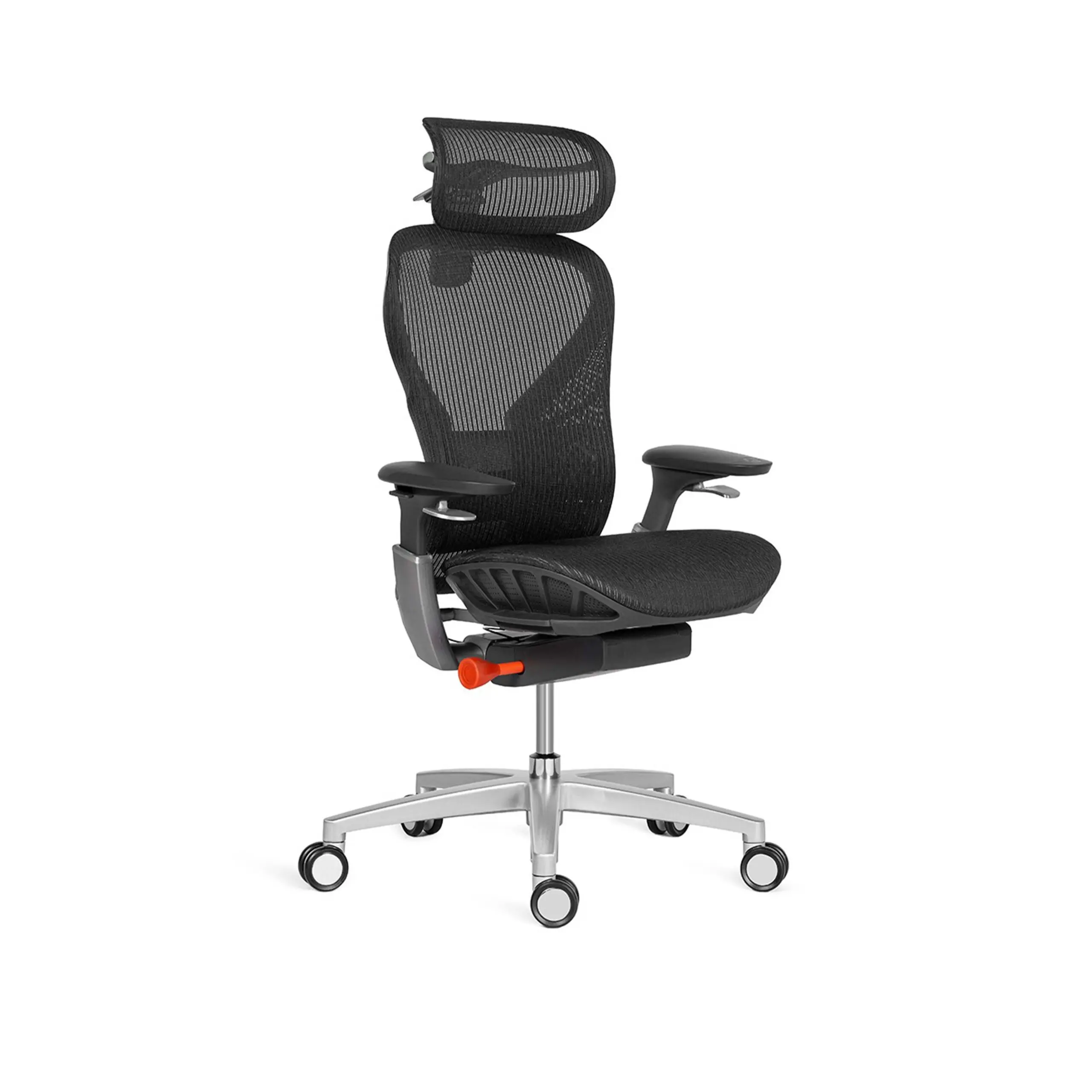
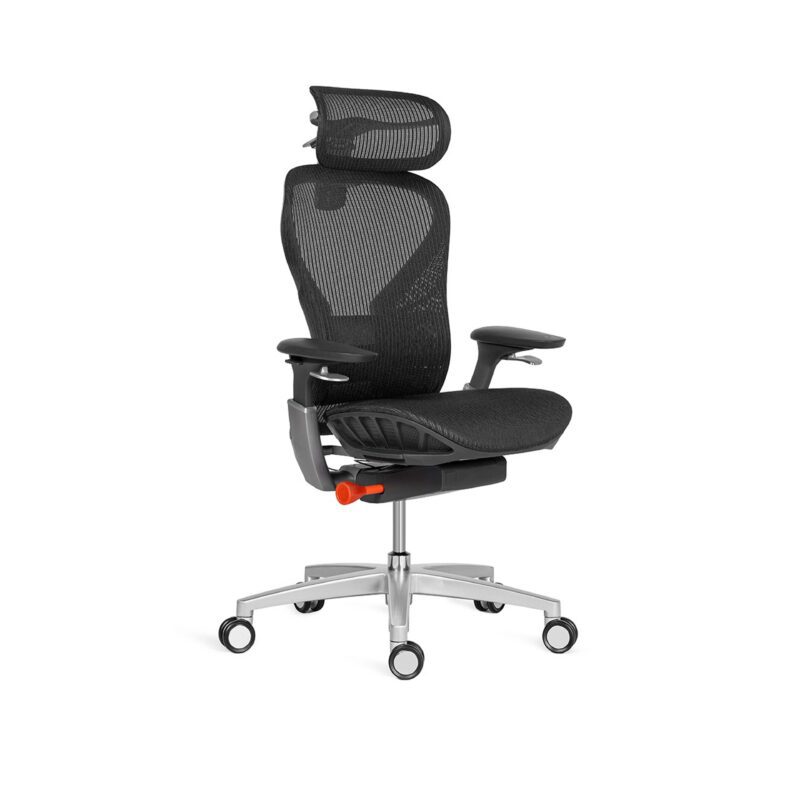
- task chairs must maintain support without pressure buildup
- they should allow subtle movement within office workstations
- they must remain stable across repeated sitting cycles
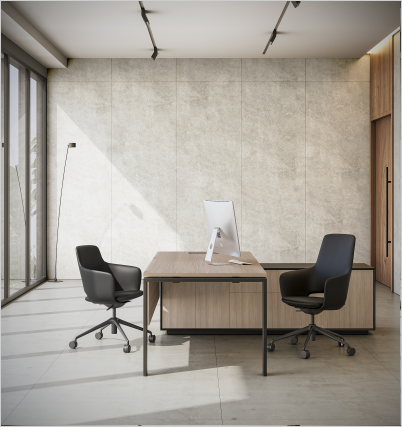
Meanwhile, meeting environments require chairs that:
- promote upright posture
- prevent over-relaxation
- keep discussions active and time-bound
According to the Occupational Safety and Health Administration, prolonged static sitting without appropriate support directly contributes to fatigue and reduced productivity.
Practical insight:
Before choosing a chair, define how many hours it will actually be used per day.
Movement Matters More Than “Perfect Posture”
Traditional office design focused on achieving a “correct sitting position.” Modern workplace research has moved beyond that idea.
The real goal is continuous micro-movement.
A well-designed comfort system ensures that:
- users can shift posture without friction
- chairs support small adjustments instead of locking users in place
- desks and seating work together to allow variation
This is where integration becomes critical:
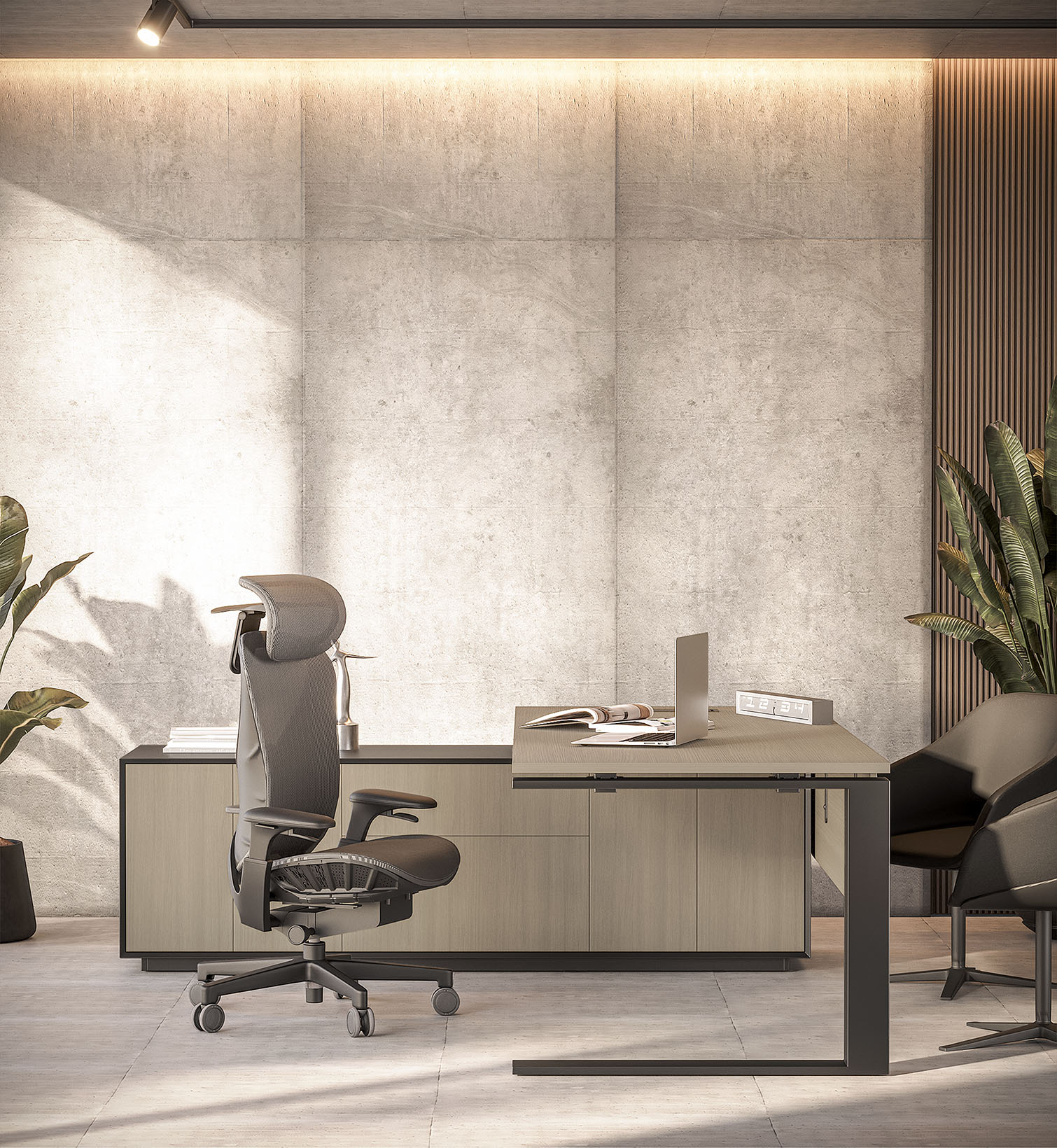
- task chairs + height adjustable desks – enable posture changes during focused work
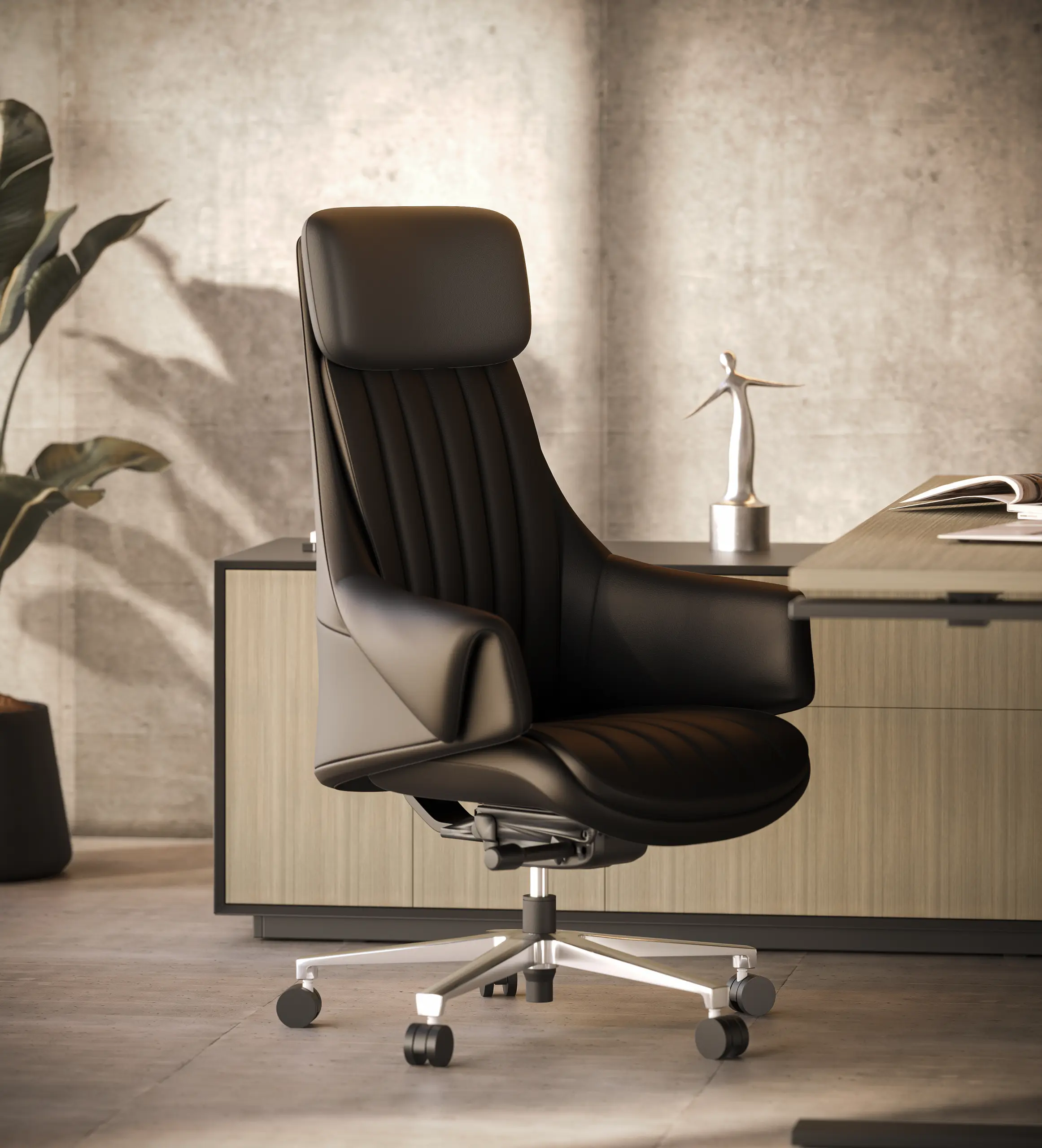
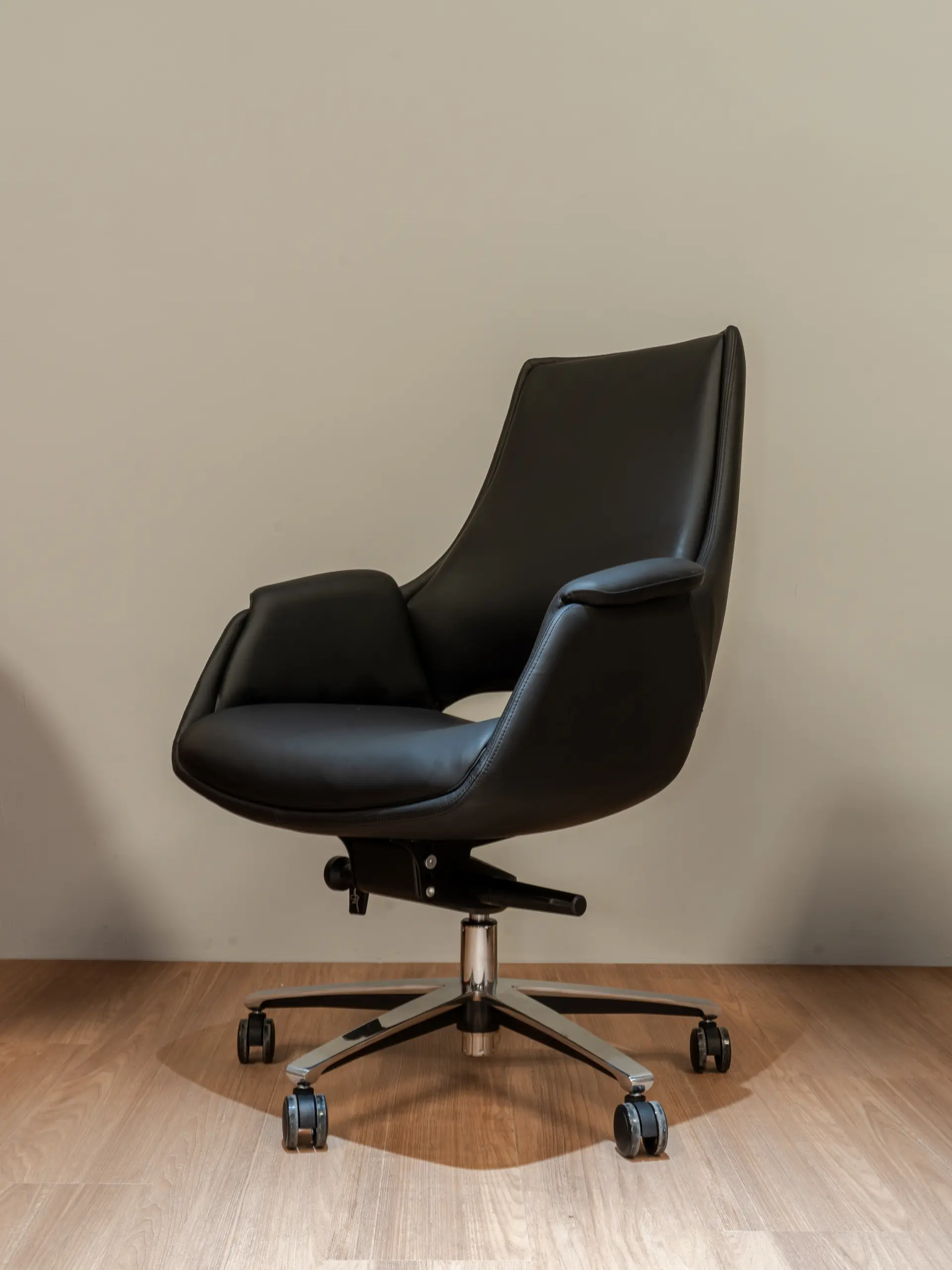
- executive chairs – allow controlled recline during longer sessions
- proximity to office pods – gives users the option to switch environments when needed
Research from the National Institute for Occupational Safety and Health shows that posture variability significantly reduces physical strain over time.
Real takeaway
A good chair doesn’t “fix” posture, it supports movement throughout the day.
Chair Dimensions Directly Impact Usability
Comfort is not subjective, it is measurable.
Three technical factors define whether a chair actually works:
1. Seat Depth Alignment
If the seat is too deep, it creates pressure behind the knees.
If too short, it reduces thigh support.
Ideal: leave a small gap (2–3 fingers) between seat edge and knees.
2. Lumbar Positioning
Lumbar support must align with the natural lower spine curve.
- Fixed lumbar → works only for single users
- Adjustable lumbar → better for shared office workstations
3. Backrest Recline Range
A slight recline (100–110°) reduces spinal load compared to rigid upright seating.
When task chairs are properly aligned with desk height and workstation layout, these factors significantly improve long-hour usability.
Microclimate and Seating Performance in Conditioned Offices
While UAE offices are fully air-conditioned, thermal comfort still varies at the workstation level.
This is influenced by:
- AC airflow direction
- workstation density
- heat from devices
- sitting duration
In this context, chair material becomes important:
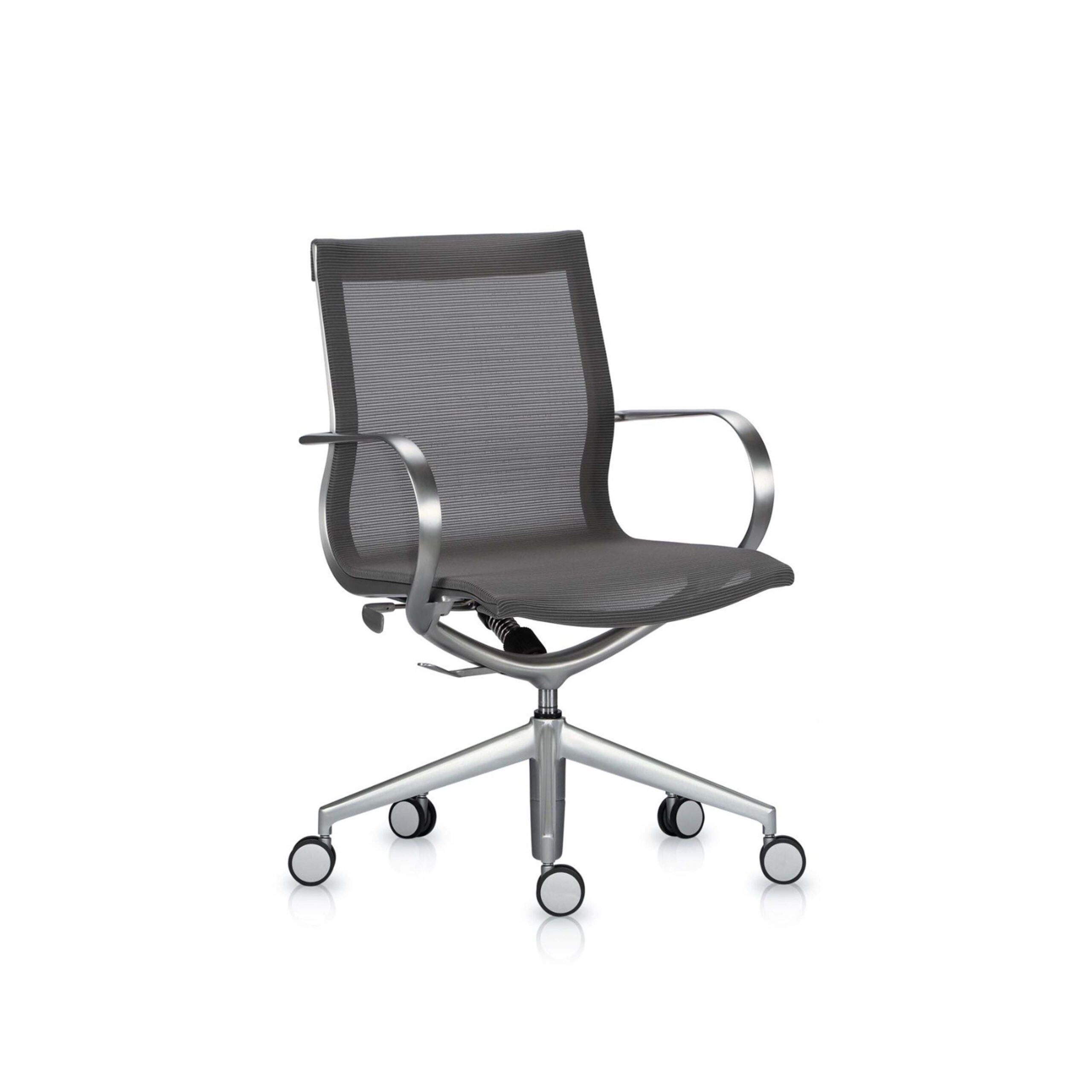
- mesh task chairs in office workstations allow better airflow during long sessions
- heavily cushioned executive chairs may retain heat over time if used continuously
- seating near enclosed setups like office pods should balance comfort with breathability
The goal is not cooling it is ensuring the chair does not disrupt thermal neutrality during extended work.
Mobility Should Match the Workspace Layout
Chair movement is often overlooked, but it directly affects workflow.
In dense workstation layouts:
- chairs should allow controlled movement, not excessive rolling
- stability is more important than mobility
In collaborative zones:
- lighter meeting chairs allow quick rearrangement
- supports flexible discussions
Poor mobility planning leads to:
- unnecessary movement
- noise
- reduced efficiency
FAQs About Office Chairs
It is a planned way to arrange seats, desks, and layouts such that people may be comfortable while doing different jobs for different amounts of time.
Not hierarchy, but how long it will be used and what the role needs. Task chairs are good for working at a desk, whereas executive chairs are better for sitting for lengthy periods of time.
Not less comfy, but made to facilitate shorter, upright sitting, which keeps conversations on track and productive. Not less comfy, but made to facilitate shorter, upright sitting, which keeps conversations on track and productive.
How long you use it and how well it fits with the workstation arrangement.
Office Chairs by Urban 411
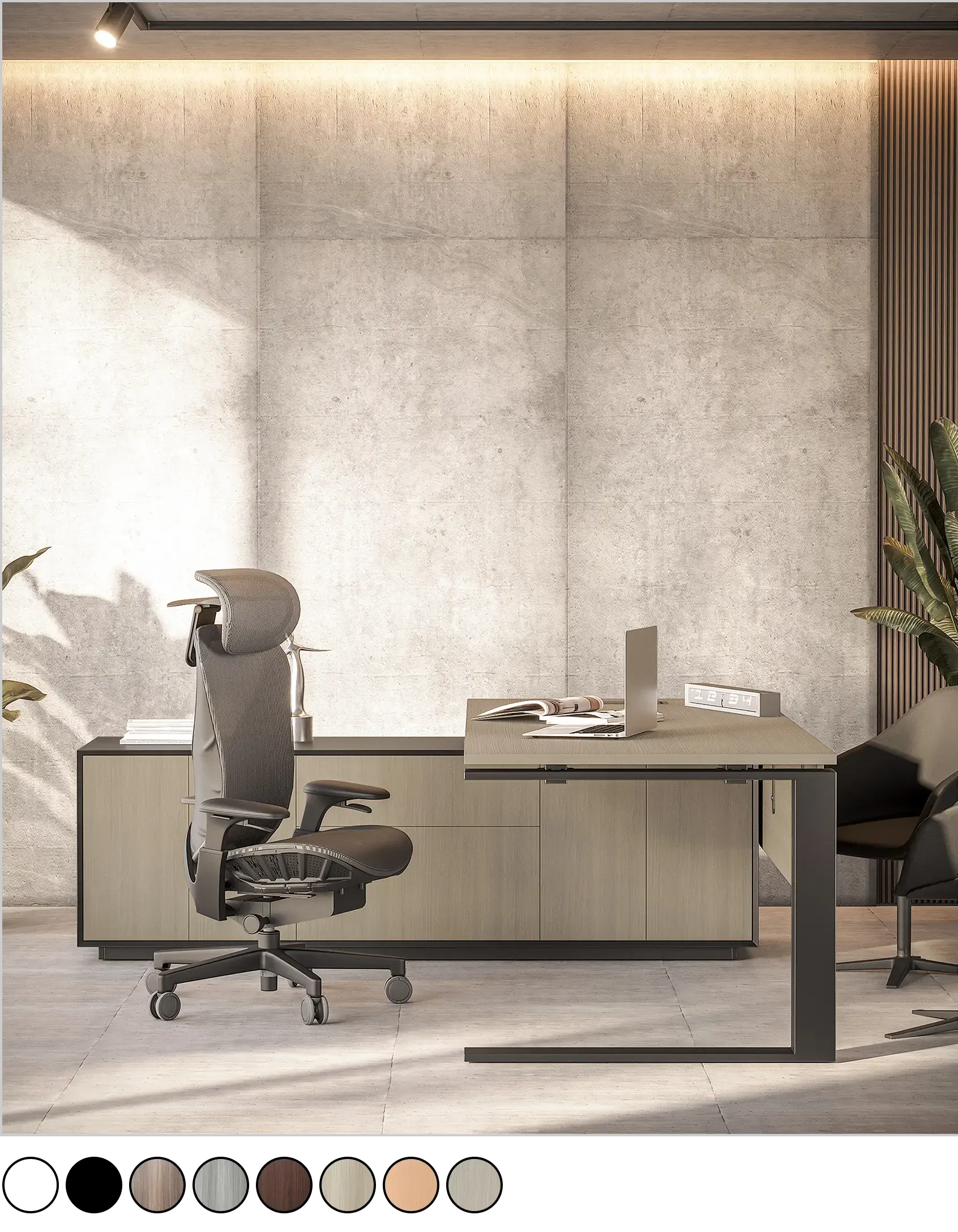
Urban 411 Office Furniture approaches office chairs as part of a structured workplace system rather than standalone products. Seating is aligned with how spaces are actually used whether within office workstations, alongside height adjustable desks.
By focusing on real usage patterns, movement, and workspace integration, Urban 411 helps businesses create seating environments that remain consistent, practical, and effective across the entire office.