

Blog
Office Workstations and Workflow Driven Workspace Design
Office Workstations and Workflow Driven Workspace Design
Most office layouts are designed visually first and operationally later. Desks are arranged to fit the space, teams are grouped based on hierarchy, and only then do businesses start noticing inefficiencies—unnecessary movement, communication delays, and workflow interruptions.
This is where workflow-driven workspace design becomes critical.
Instead of asking “Where should desks go?”, the better question is:
“How does work actually move through the office?”
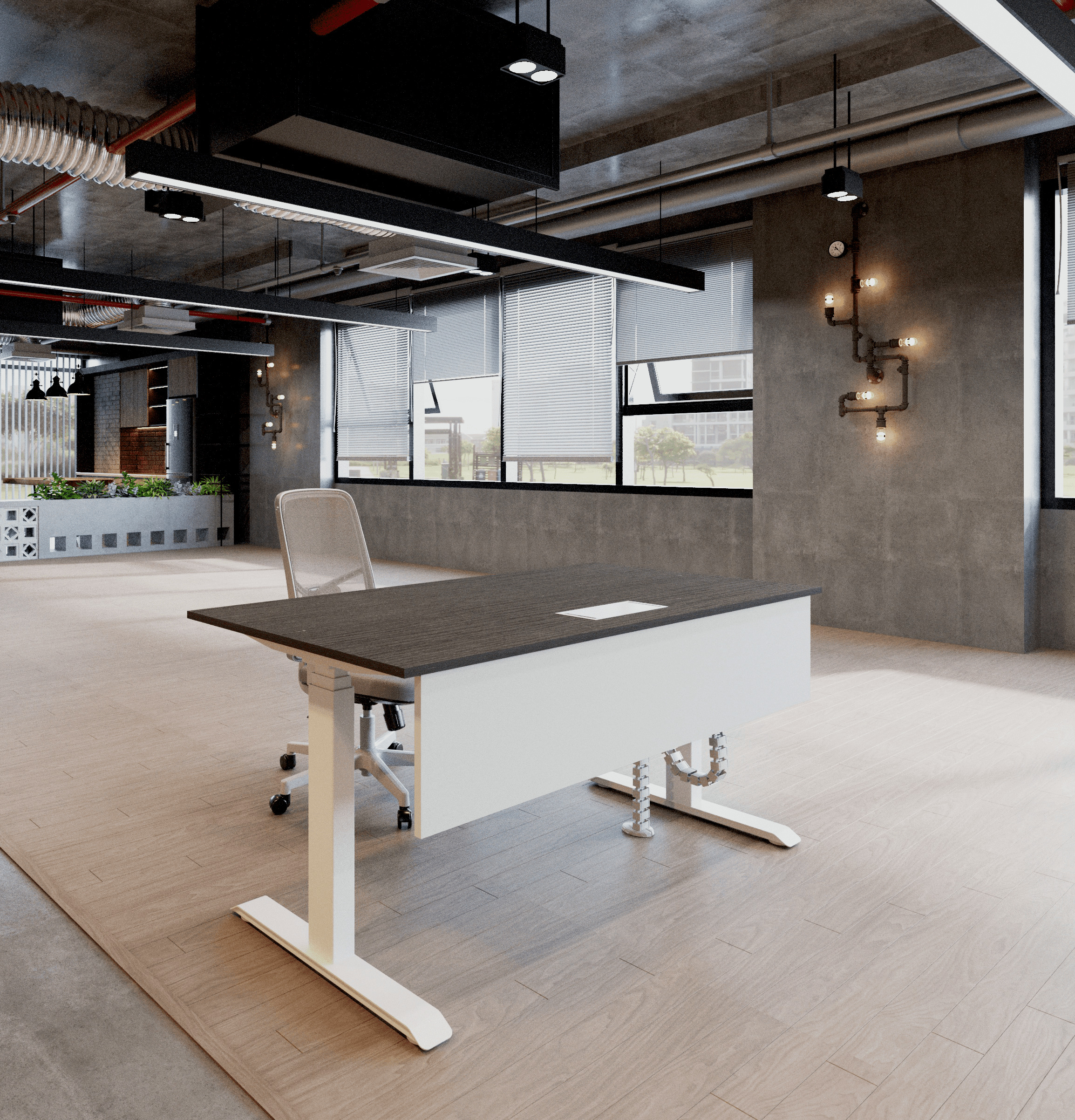
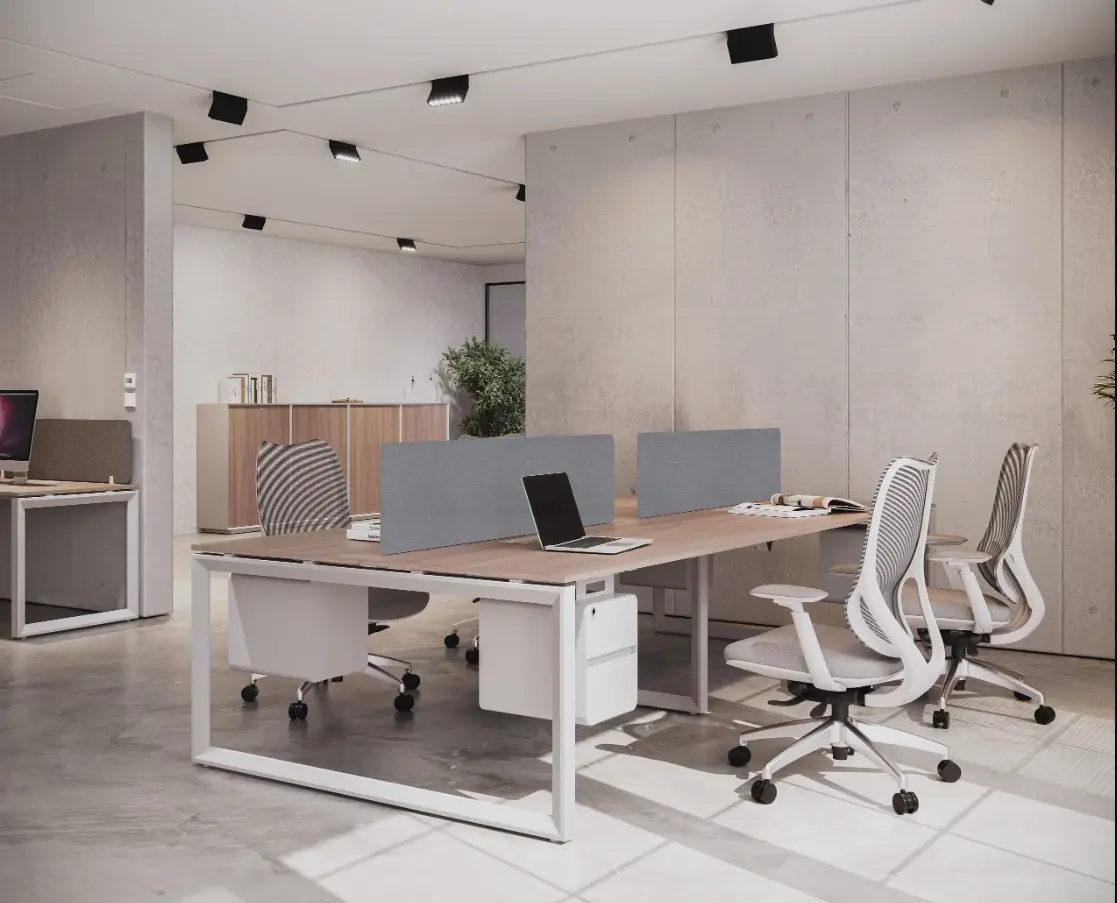
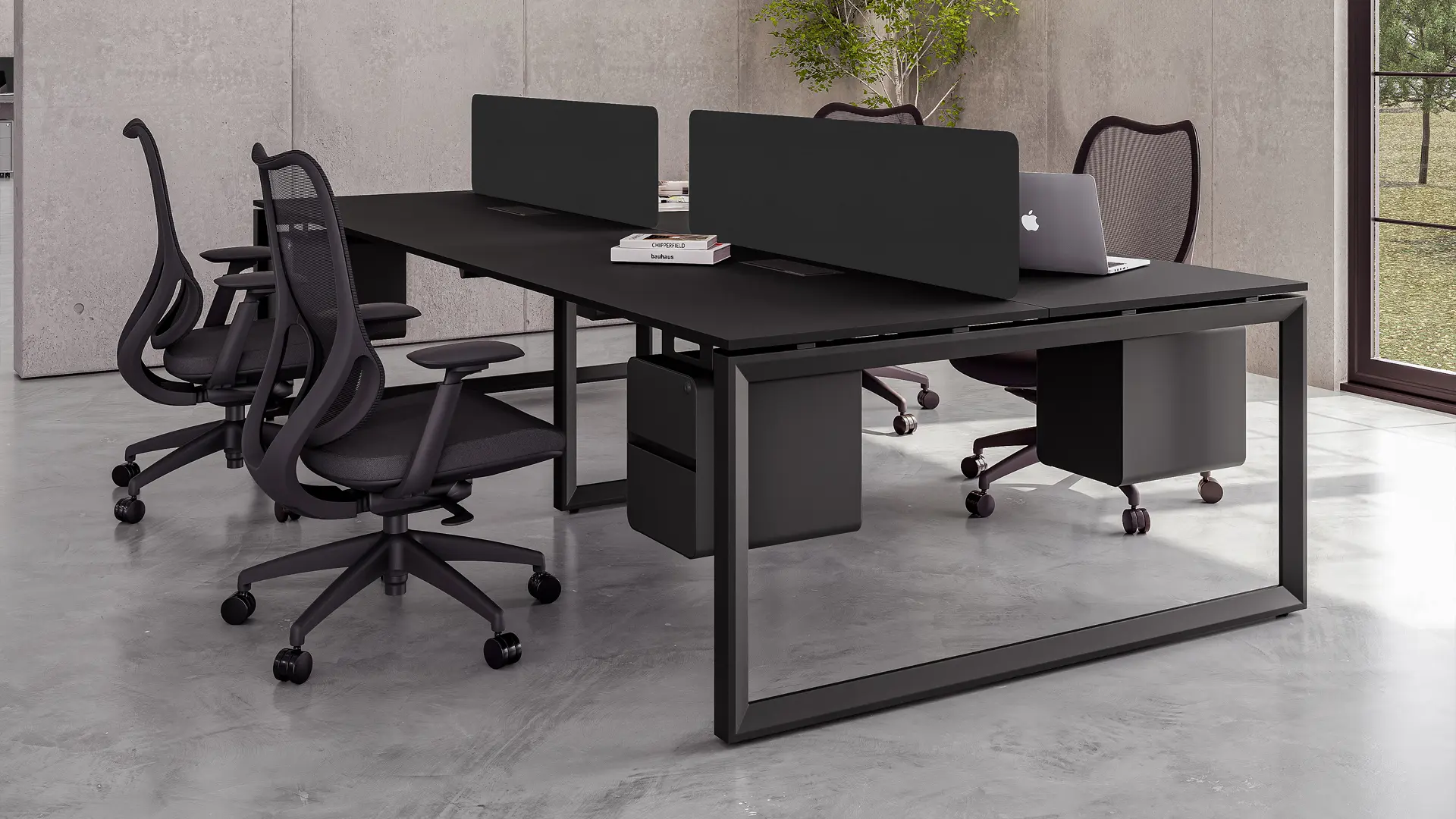
When office workstations are designed around workflow, they reduce friction between tasks, improve coordination between teams, and create a more efficient working environment. Combined with the right task chairs, height adjustable desks, and nearby office pods, workstation design becomes a tool for performance not just furniture placement.
Mapping Workflow Before Planning Workstations
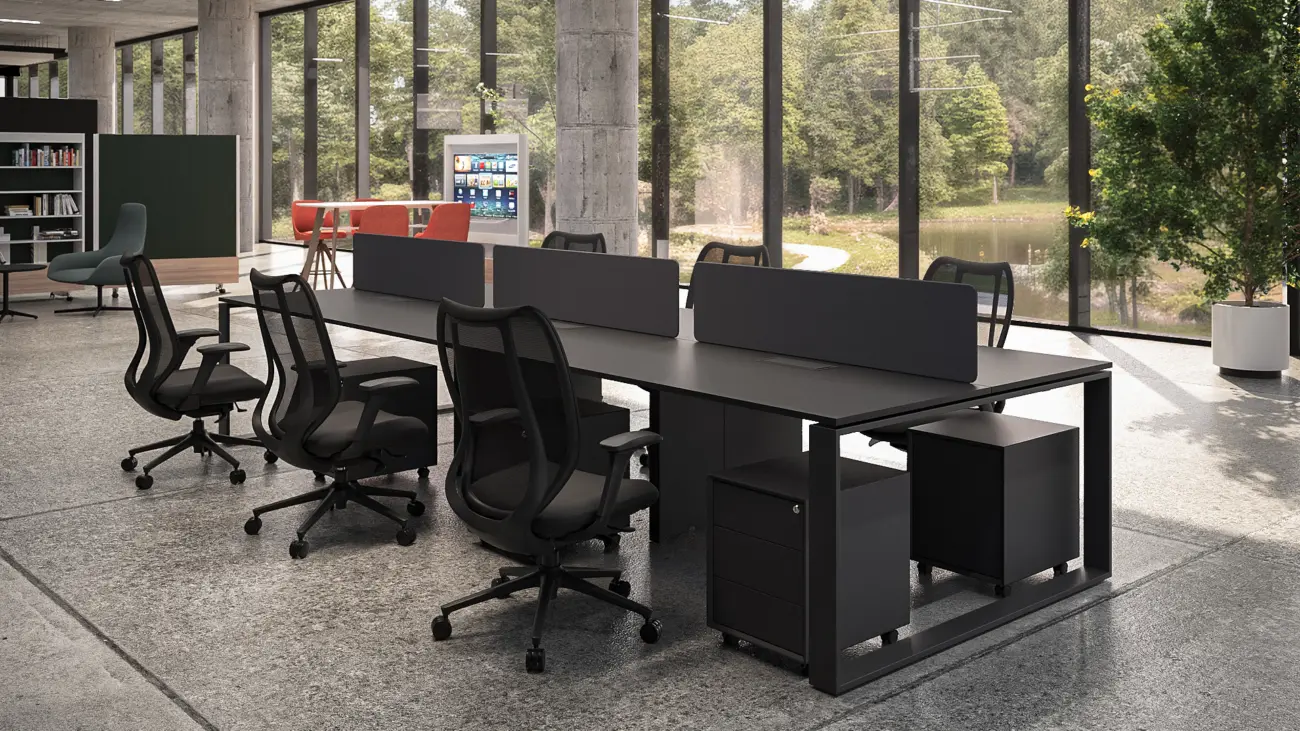
Before placing any workstation, businesses need to understand how work flows between individuals and teams.
A simple workflow mapping includes:
- where tasks begin.
- who they move to next.
- how frequently teams interact.
- which roles require constant vs occasional communication.
For example:
- teams with high interaction frequency should be positioned closer.
- roles requiring deep focus should be placed away from high-traffic zones.
- shared resources should be centrally accessible.
According to the McKinsey & Company, inefficient workflows can reduce productivity by up to 20–30% due to unnecessary coordination delays.
Practical insight:
Workstations should follow workflow logic, not just available space.
Reducing Movement Friction Between Tasks
One of the biggest inefficiencies in offices is movement friction, the time and effort required to move between tasks.
Poor workstation planning often leads to:
- employees walking long distances for simple interactions.
- repeated interruptions when moving between zones.
- delays in task completion.
Workflow-driven office workstations reduce this friction by:
- positioning related teams within close proximity
- aligning desk clusters with task dependencies
- minimizing the need for constant relocation
When paired with task chairs that allow smooth movement within the workstation and height adjustable desks that support continuous work, employees can complete tasks faster without unnecessary physical disruption.
Structuring Workstation Clusters Based on Task Type
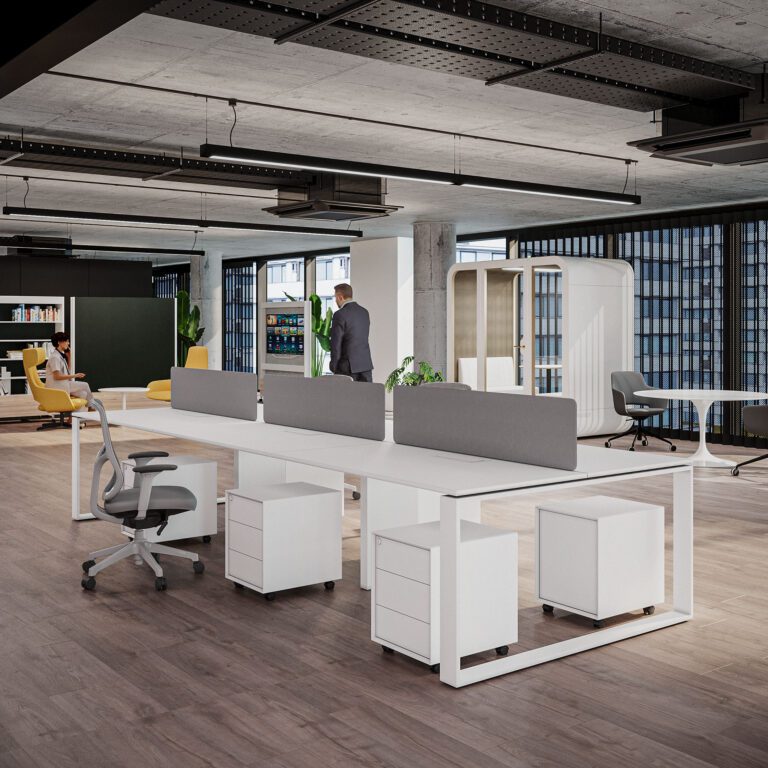
Not all workstations should follow the same structure. Workflow design requires grouping desks based on task similarity and interaction level.
1. Focus Clusters
- Used for individual, high-concentration tasks
- Minimal distractions
- Supported by ergonomic task chairs and stable workstation setups
2. Interaction Clusters
- Designed for teams that collaborate frequently
- Closer desk arrangements
- Easy communication flow
3. Transitional Zones
- Located between departments
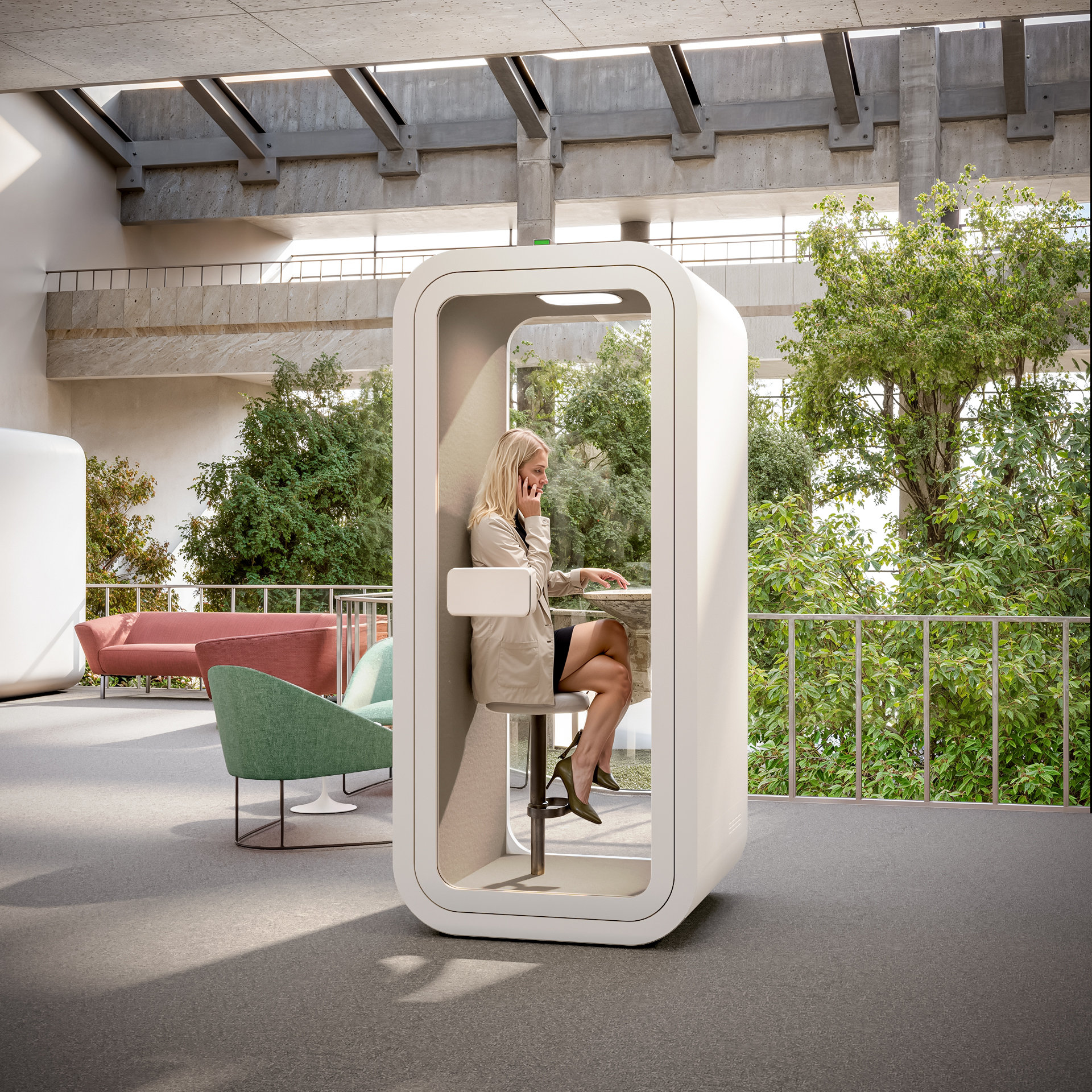
- Often supported by office pods or small meeting areas
- Allow quick discussions without disrupting workstation areas
This structured approach ensures that each workstation supports the type of work being performed, rather than forcing all tasks into a single layout.
Aligning Workstations with Task Duration
Another critical factor is how long employees remain at their workstations.
For long-duration tasks:
- desks must support sustained work without disruption
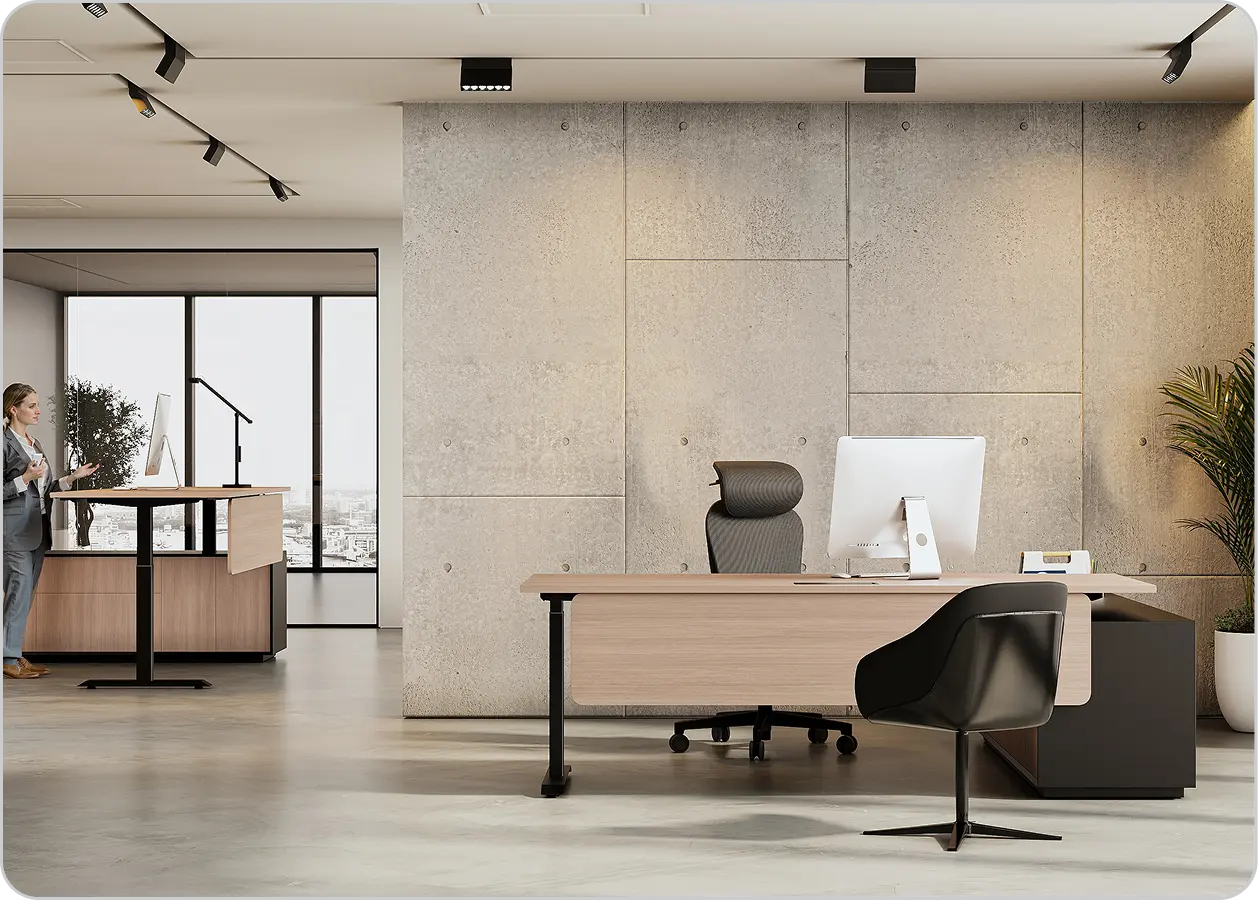
- height adjustable desks help reduce fatigue during extended sessions
- office chairs must provide consistent support
For short-duration or rotational tasks:
- workstations can be more compact
- flexibility becomes more important than long-term seating comfort
According to the World Green Building Council, workspace design directly impacts employee productivity and well-being, especially in environments with prolonged desk usage.
Key takeaway:
Workstations should be designed based on how long tasks are performed, not just who performs them.
Managing Noise and Disruption in Workstation Design
Workflow efficiency is not only about movement, it’s also about minimizing interruptions.
In open offices, poorly planned workstations often lead to:
- noise spillover between teams
- frequent distractions
- reduced focus
Workflow-driven design addresses this by:
- placing high-focus roles away from collaborative zones
- integrating office pods for discussions
- using workstation layouts that naturally separate noise levels
This allows employees to remain engaged in their tasks without constant disruption.
Supporting Hybrid and Flexible Workflows
Modern offices rarely operate at full capacity all the time. Hybrid work has introduced variability in how workstations are used.
To support this:
- workstations should be adaptable
- seating (like task chairs) should be easy to adjust
- layouts should allow quick reconfiguration
Integration with height adjustable desks and flexible spaces like office pods ensures that workstations remain effective even as occupancy changes.
Workflow Visibility and Team Coordination
An often-overlooked aspect of workstation design is visibility.
When teams can:
- see each other easily
- communicate without barriers
- understand task progress visually
workflow becomes more efficient.
However, too much visibility can reduce focus. The balance lies in:
- semi-open workstation layouts
- controlled interaction zones
- designated collaboration areas
This balance improves coordination without overwhelming employees.
FAQs About Office Workstations
This method plans workplace workstations based on how jobs are passed around between employees and teams.
Badly planned workstations make people walk around more, cause delays, and cause interruptions. Good ones, on the other hand, make things run more smoothly and function together better.
Should all workstations be the same?
No. The type of work, how long it takes, and how much interaction there is should all affect the workstations.
They give people places to have quick talks without bothering people who are working.
Office Workstations by Urban 411
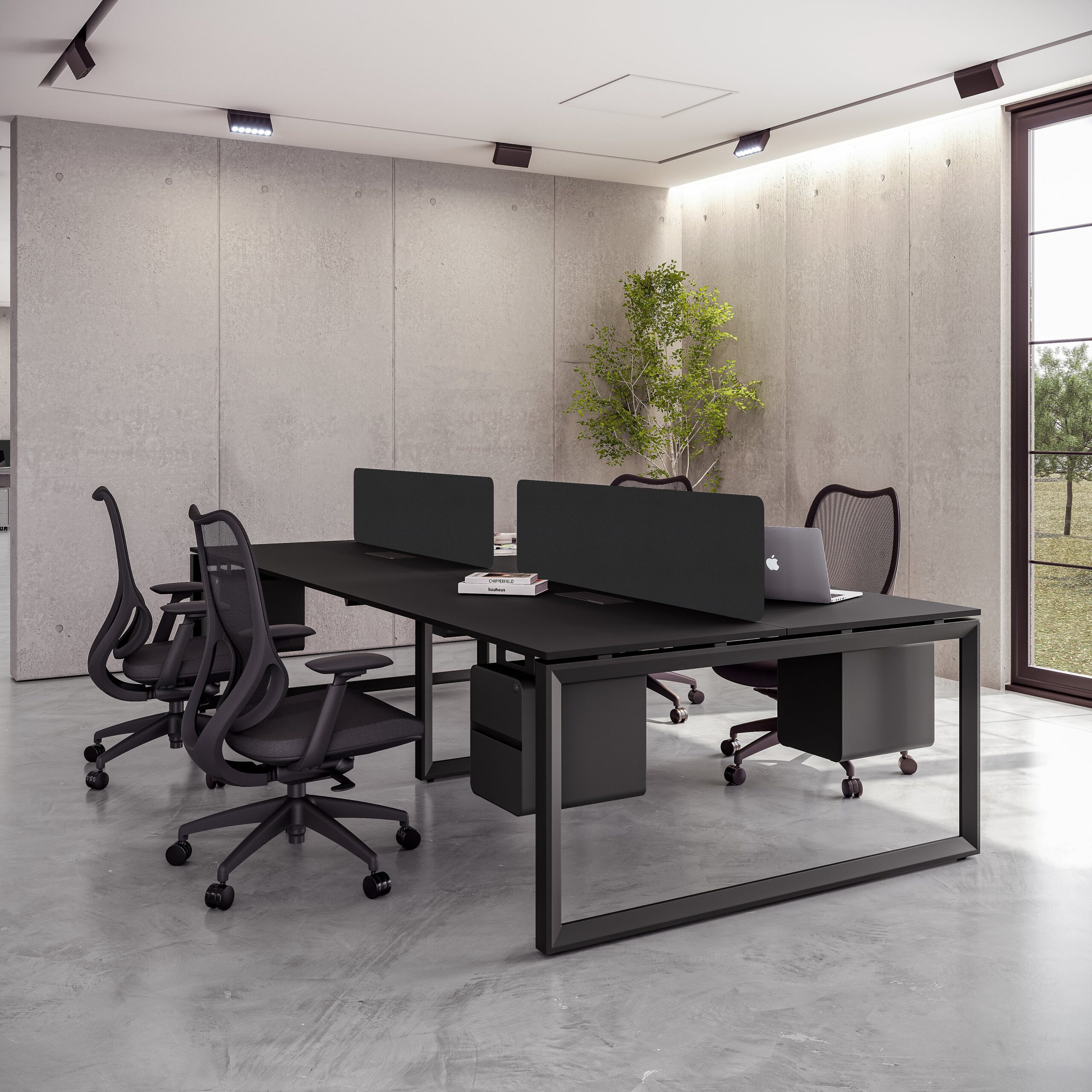
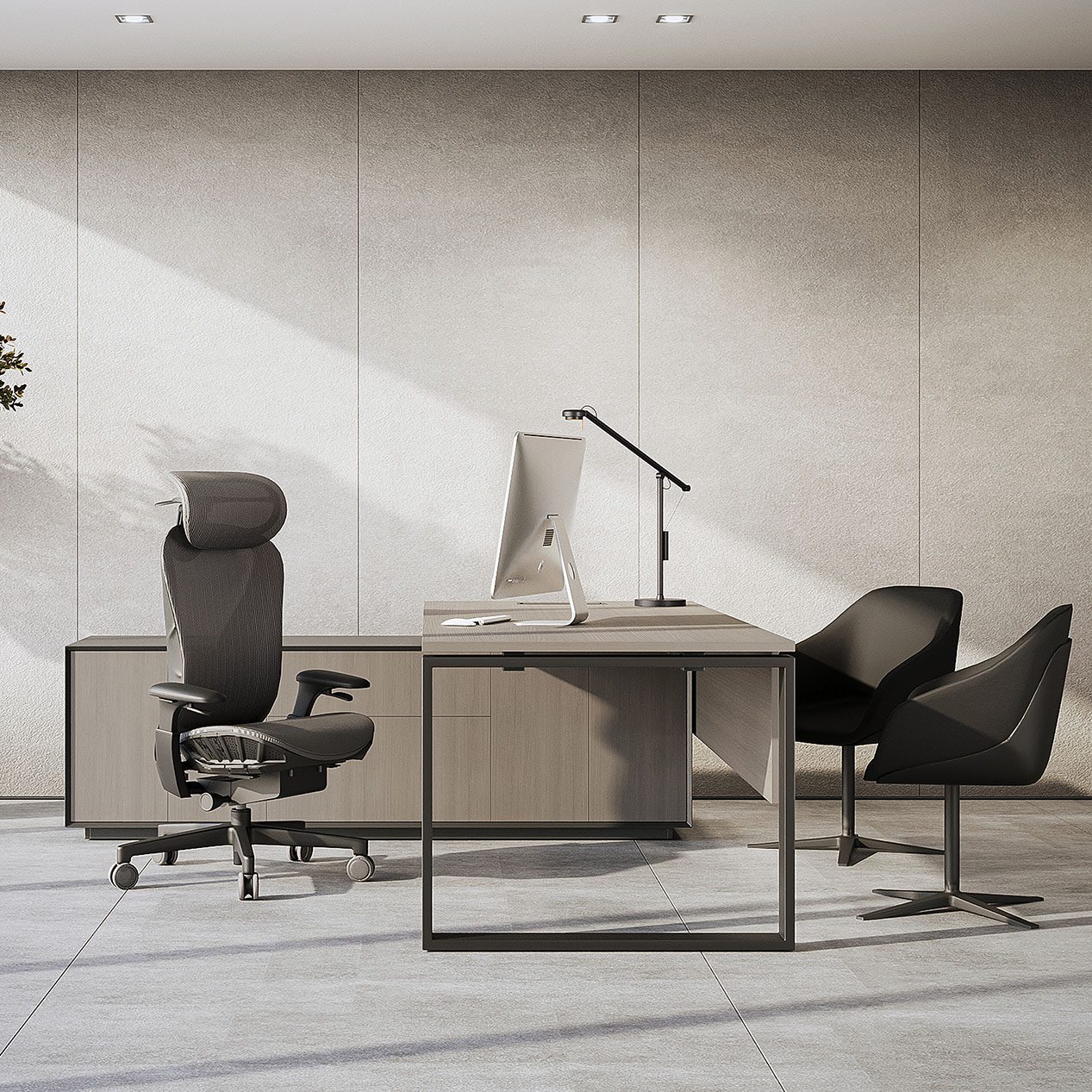
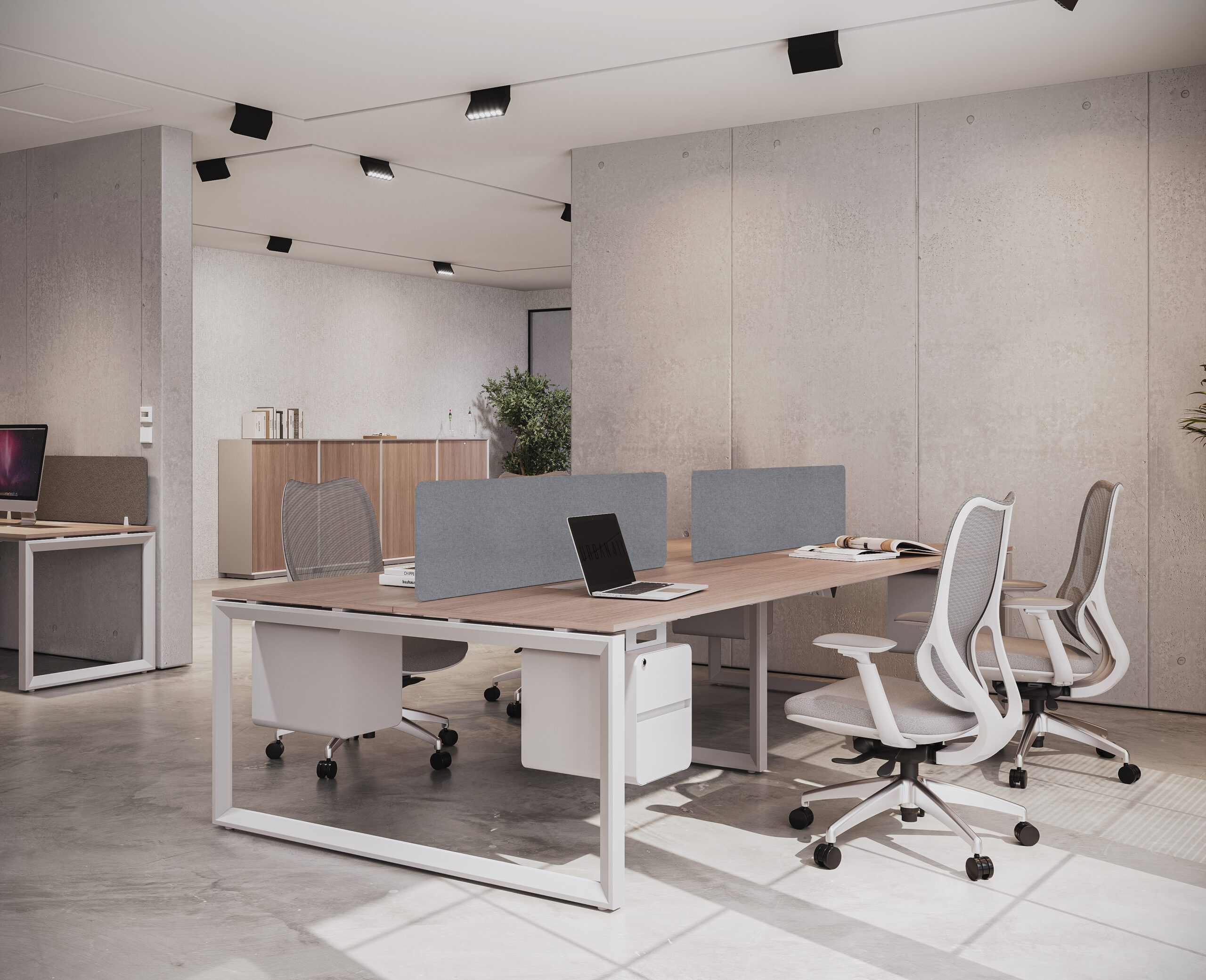
Urban 411 Office Furniture develops office workstations based on how work actually flows within an organization. Instead of standard layouts, workstation systems are designed to align with task movement, team interaction, and daily operational needs.
These workstations integrate with task chairs, support efficient use of height adjustable desks, and connect seamlessly with flexible zones like office pods—ensuring that every part of the workspace contributes to productivity.